Register with Localazy
Before you can start translating the Super Radiance Online website, you need to register with Localazy and request access to the Super Radiance translation project.
Sign up for an account
Navigate to https://localazy.com/register and sign up for an account.
Request access to Super Radiance
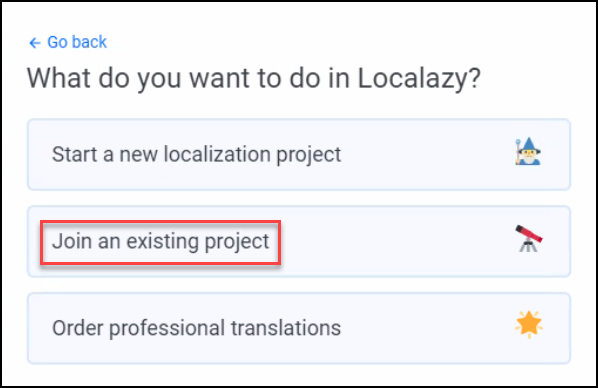
After signing up, answer the questions from Localazy. Then when you see the following screen, click Join an existing project.
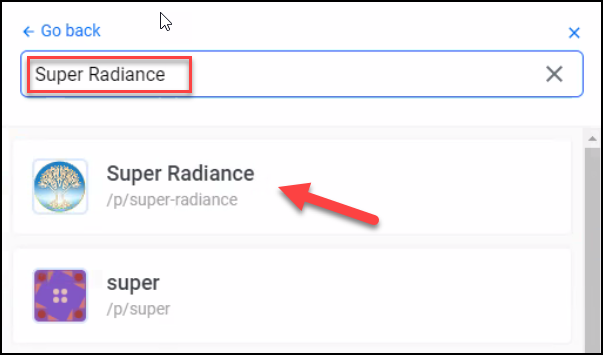
Enter “Super Radiance” into the search box and click on the Super Radiance project.
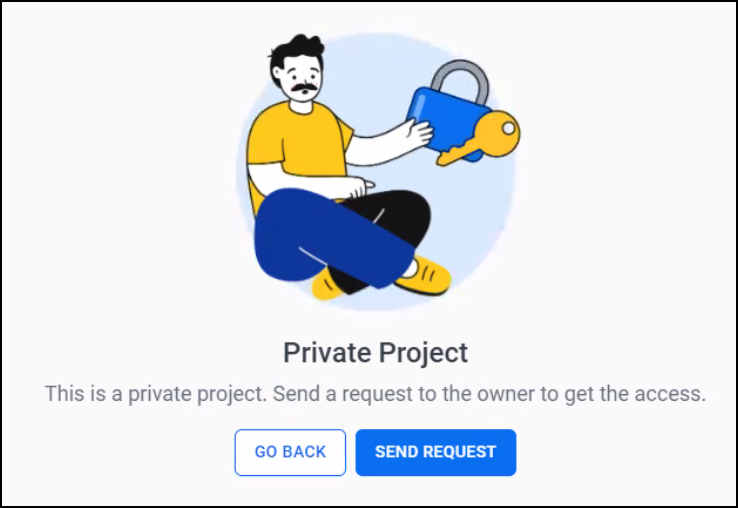
Next you will see a message that this is a private project. Click the Send Request button.
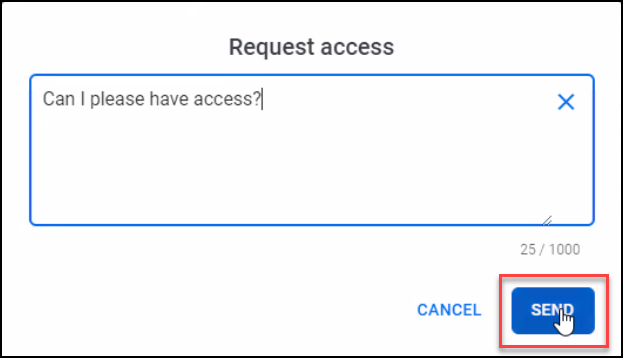
In the Request access dialog type a short message (optional) and click the Send button to request access.
Wait for access to be granted
David Clark will be notified of your request and will grant you access to the project. This may take a little while because of time zone differences.
When your access request is accepted, follow the Getting Started guide to familiarize yourself with Localazy and computer translation concepts.